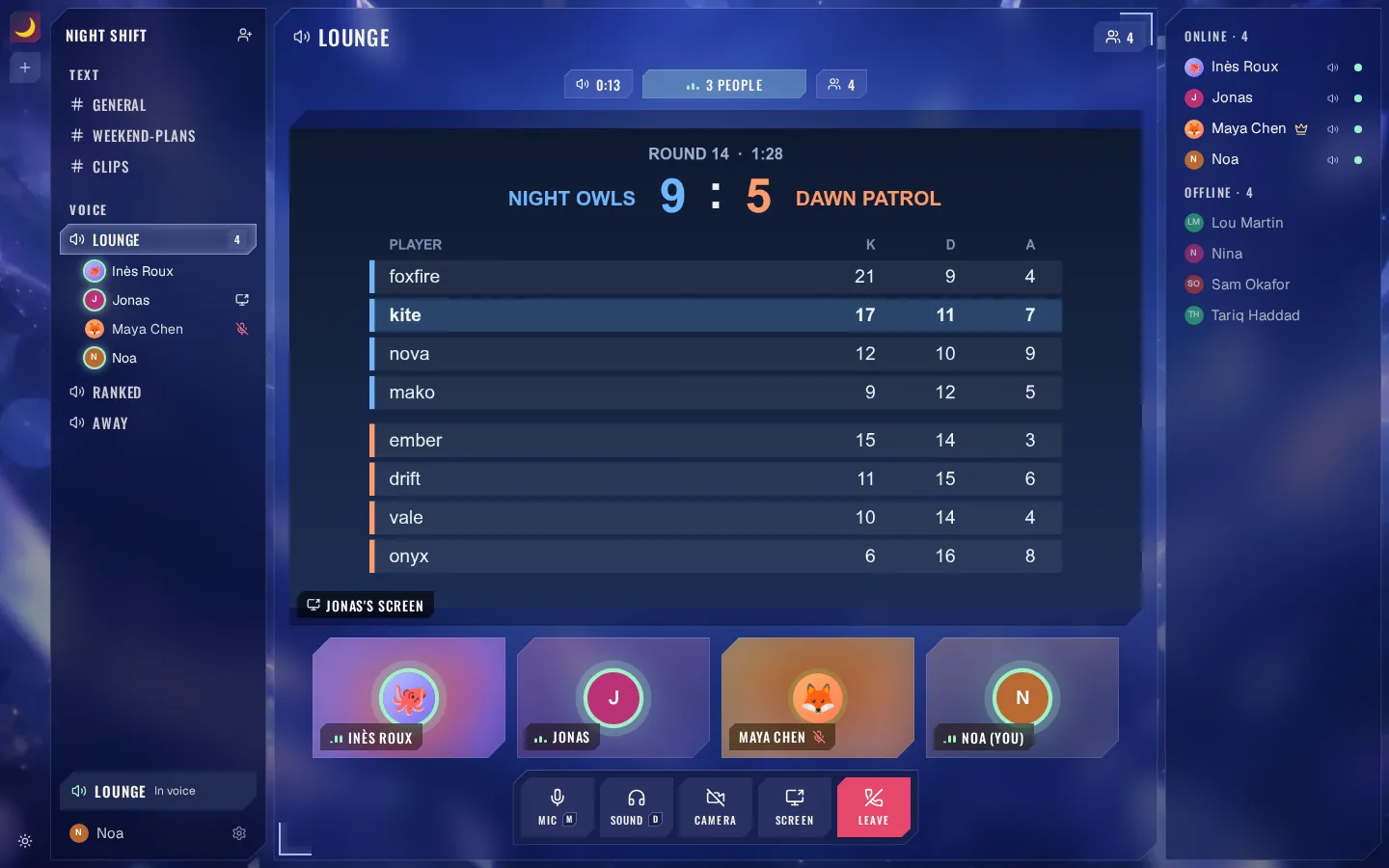
Hop into a call
A voice channel is a room. Walk in and talk, turn a camera on, share your screen: everyone in it watches together.
Shard is your group's own server to talk, call and share your screen. It works like the Discord you know, except it is yours.
Free. One of you creates it. The others join with a link and a first name.
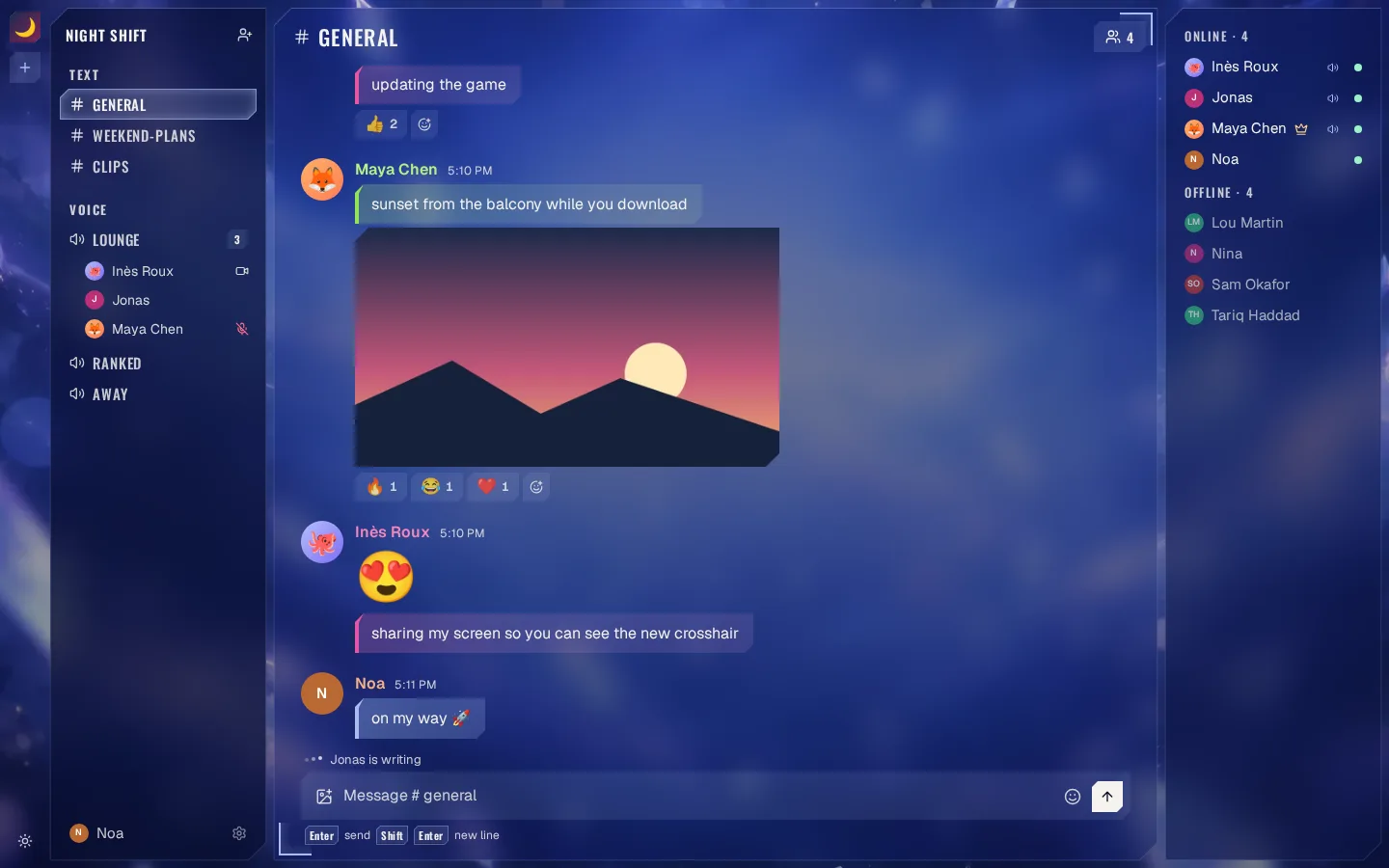
A voice channel is a room. Walk in and talk, turn a camera on, share your screen: everyone in it watches together.
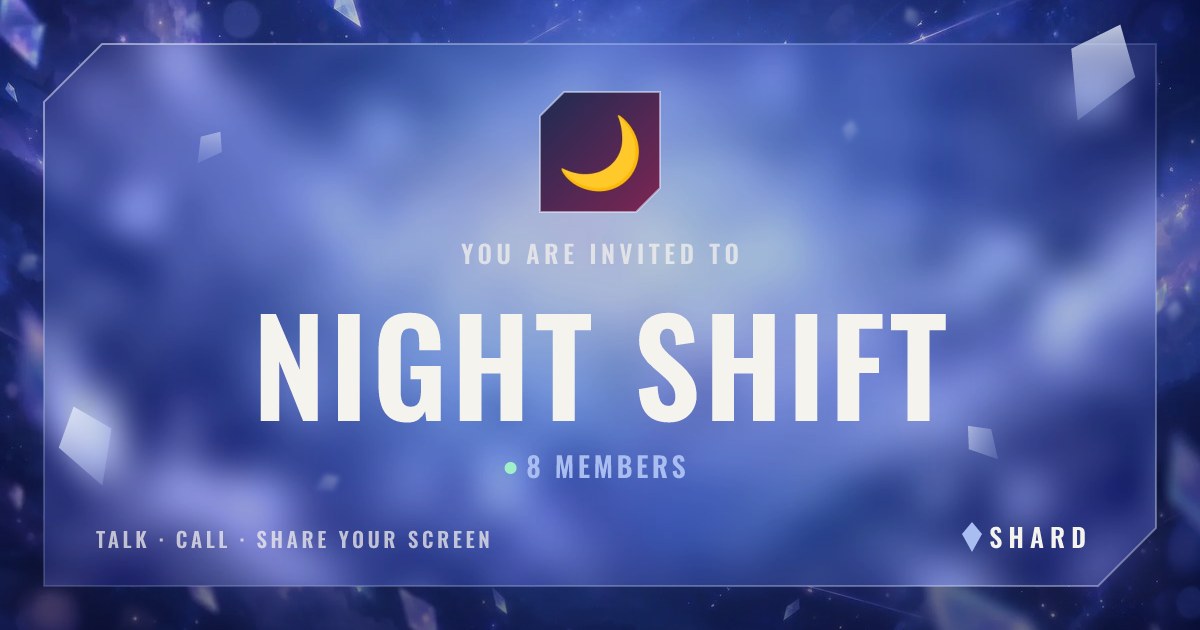
Send the invitation where your group already talks. It shows your server; they open it, type a first name, and they are in. Nothing to install.
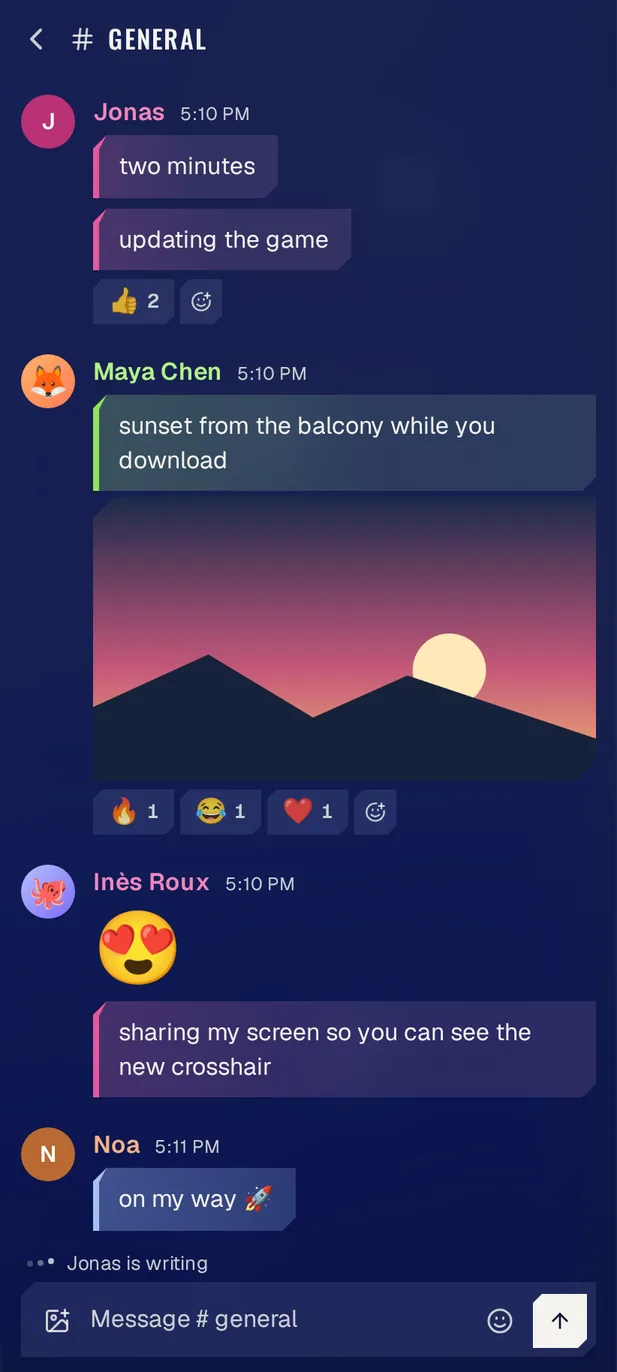
The same link opens the same server in a phone's browser.
Your server lives at the name you give it, at an address of its own.
Whoever creates it is its admin: you let people in, and you show them out.
No ID, no age check, no phone number, no ads. A first name gets your friends in.
Why now: Discord estimates the age of accounts from how they behave, and says fewer than one in ten is then asked to prove it, with a selfie, a card or an ID, to reach what is meant for adults. Discord, 22 September 2026.
Creating a server, inviting your group and calling cost nothing. No card is asked.
The servers created here are hosted by Solar Beam Studio, in Finland, in the European Union.
Your messages are kept where the server is hosted, so your group can read them back. They are not encrypted end to end: whoever hosts a server can open what is written in it.